
Contact Lists can be prepared using the following methods
1. Manually adding contacts
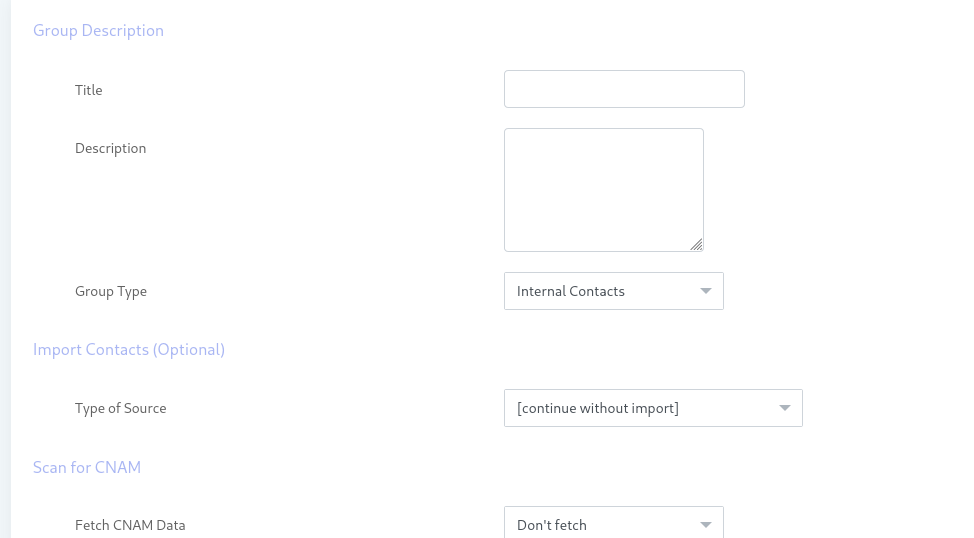
First, you need to add a contact group
Click Contacts ==> Contact Group ==> Add new group
Enter name of group and select desired regions, countries and destinations
Click Save button at top
Secondly you need add new contacts to said group
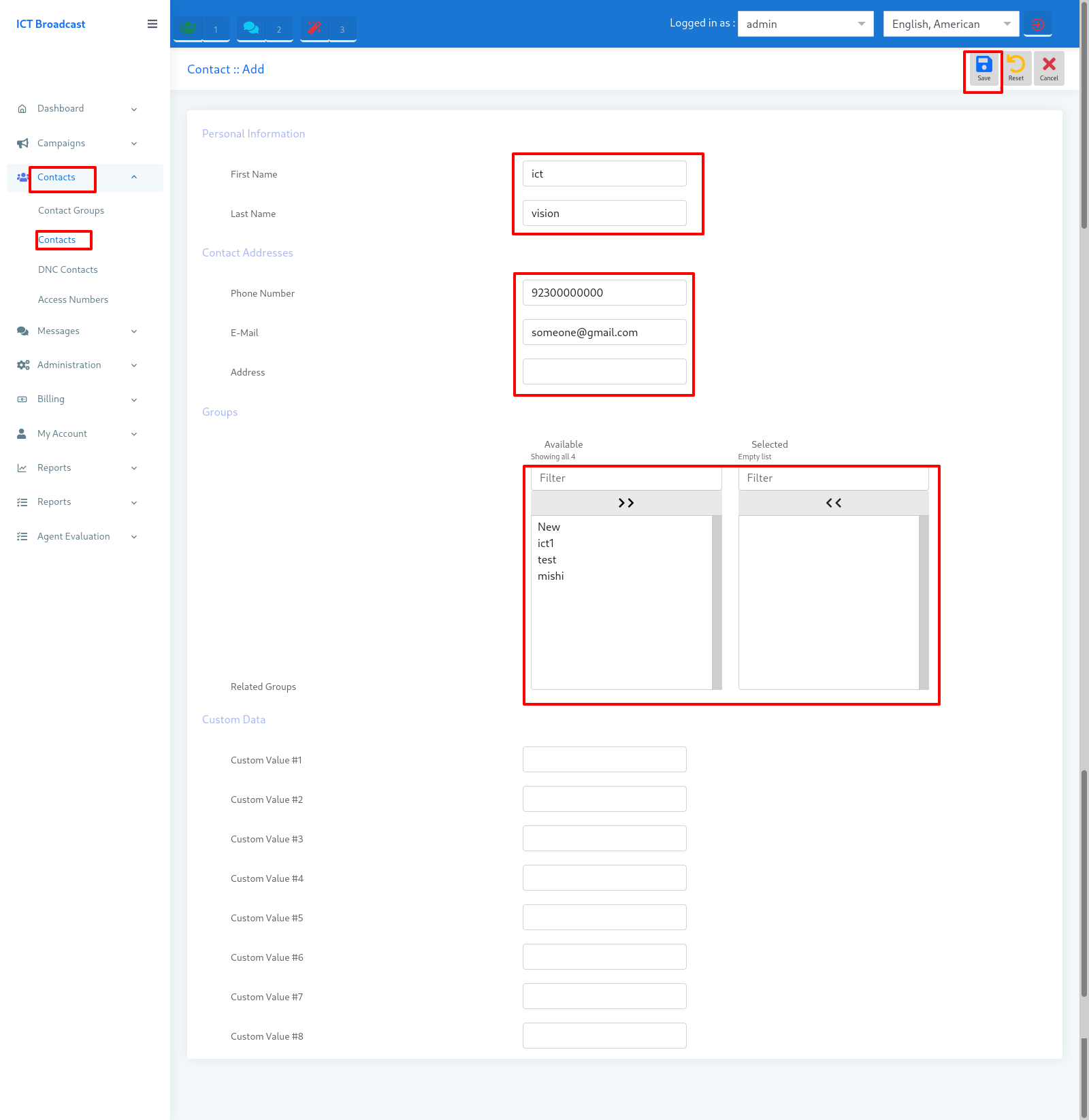
Click Contacts ==> Contacts ==> Add new
Enter a Phone number and other information and assign contact to groups
Click the Save button at the top
2. Importing from an external file
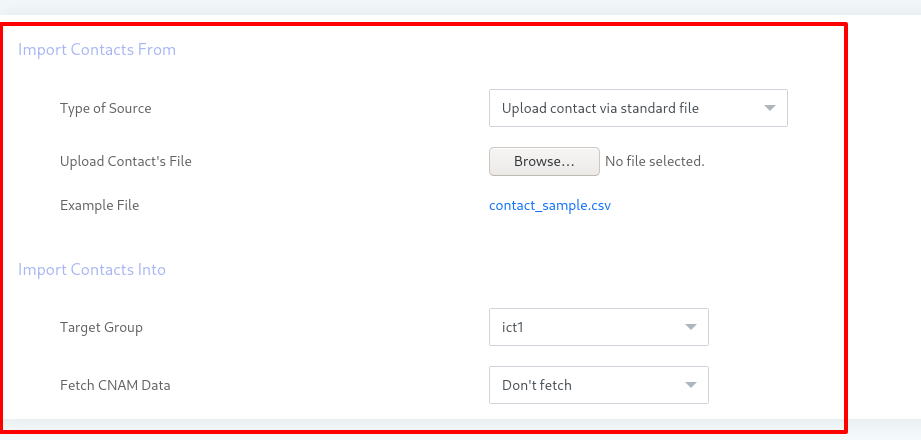
Click Contacts ==> Contacts ==> Import
Select “Upload contacts via file”
Upload contacts file from your system
Select group
Click the save button at the top
Related Content