
You can stop, start, edit, and modify a running campaign more easily than ever before. ICTBroadcast also offers an “Edit as New” feature to create new campaigns from already completed campaigns. Learn more about ICTBroadcast
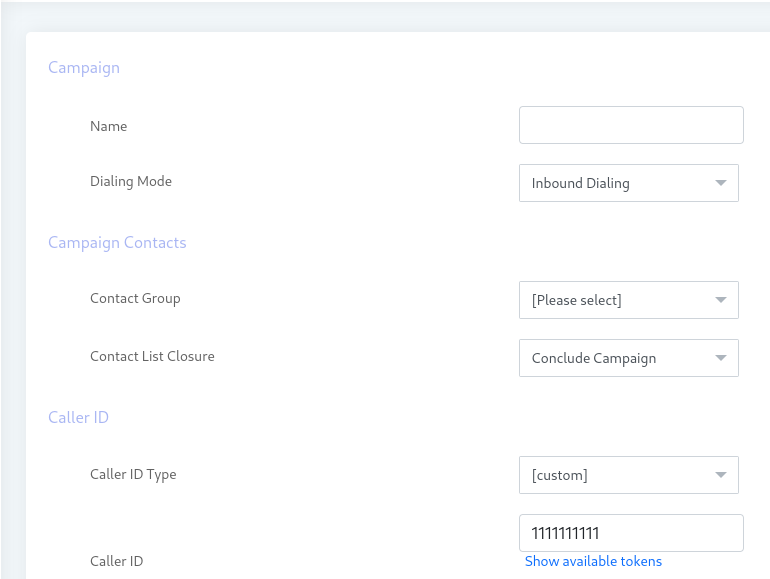
Campaign
This feature allows you to modify any of the parameters of a campaign while it is running. You can change the Custom Caller ID, the Max call duration, and the campaign schedule. You can also edit a campaign and save it as a new campaign by pressing the “Edit as New” button. This feature allows you to quickly copy a campaign and run. No need to create and set parameters again.