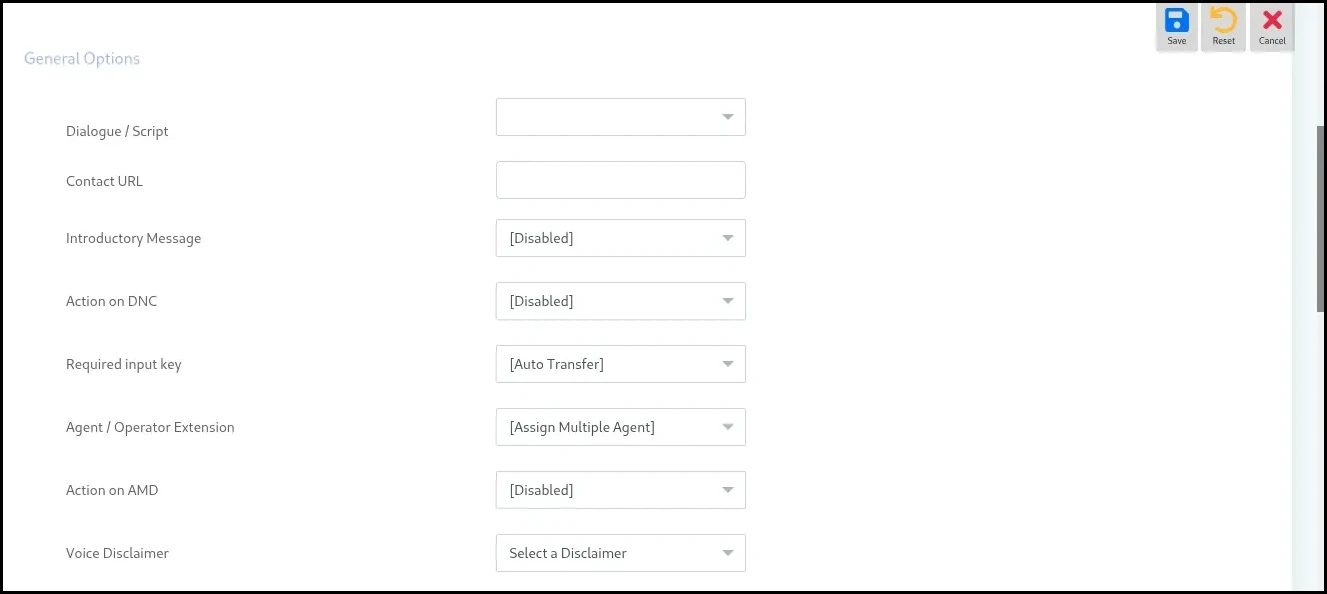
To set up a queue for your call center, following are the steps:
Create Queue
-
Log in to ICTBroadcast as Admin or User
-
Navigate to the Main Menu → Administration
-
Select the Agent/Extension submenu and click to open
-
Click the “New Agent” button at the top-right corner
-
Select Agent Name and assign an Extension
-
Set Forward To by choosing the appropriate Skill Group
-
Click Save to complete the agent creation.
Optionally, refer to the Forwarding → Agent Module for additional forwarding settings
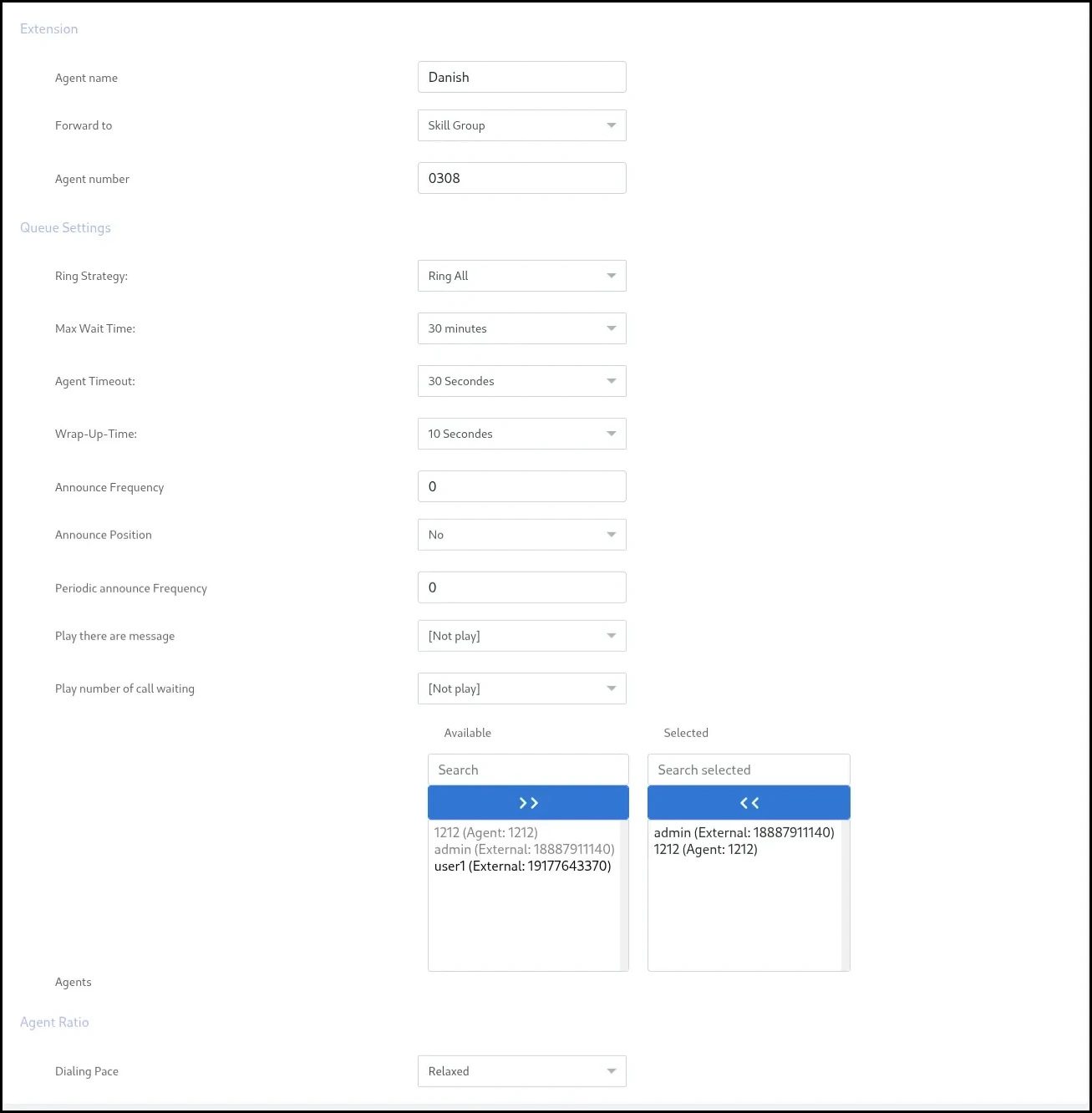
Assign extension
Once an extension has been created, you have to assign it to a user.
- Select the sub-menu “Client Management” under the main menu Administration
- A list of created Clients will be shown, choose the Clienr and click Assign Extension
- The available extensions will be displayed here. Choose the extension and click Assign Selected

Create Campaign
- Choose Campaign from menu
- Click on Interactive Campaign
- Fill all the fields, and in General Options, choose extension
- Click Save