
Call Center Reporting & Analytics
ICTBroadcast includes a full reporting suite covering every dimension of call center performance — from raw call detail records to live agent status, from disposition outcomes to custom-built CDR queries. This page maps every available report, what it shows, and who can access it.
Overview & CDR Summary
The Overview report provides a high-level summary of all call activity across campaigns and date ranges — total calls, connected calls, duration, and outcome breakdown. Use it for daily and weekly performance snapshots.
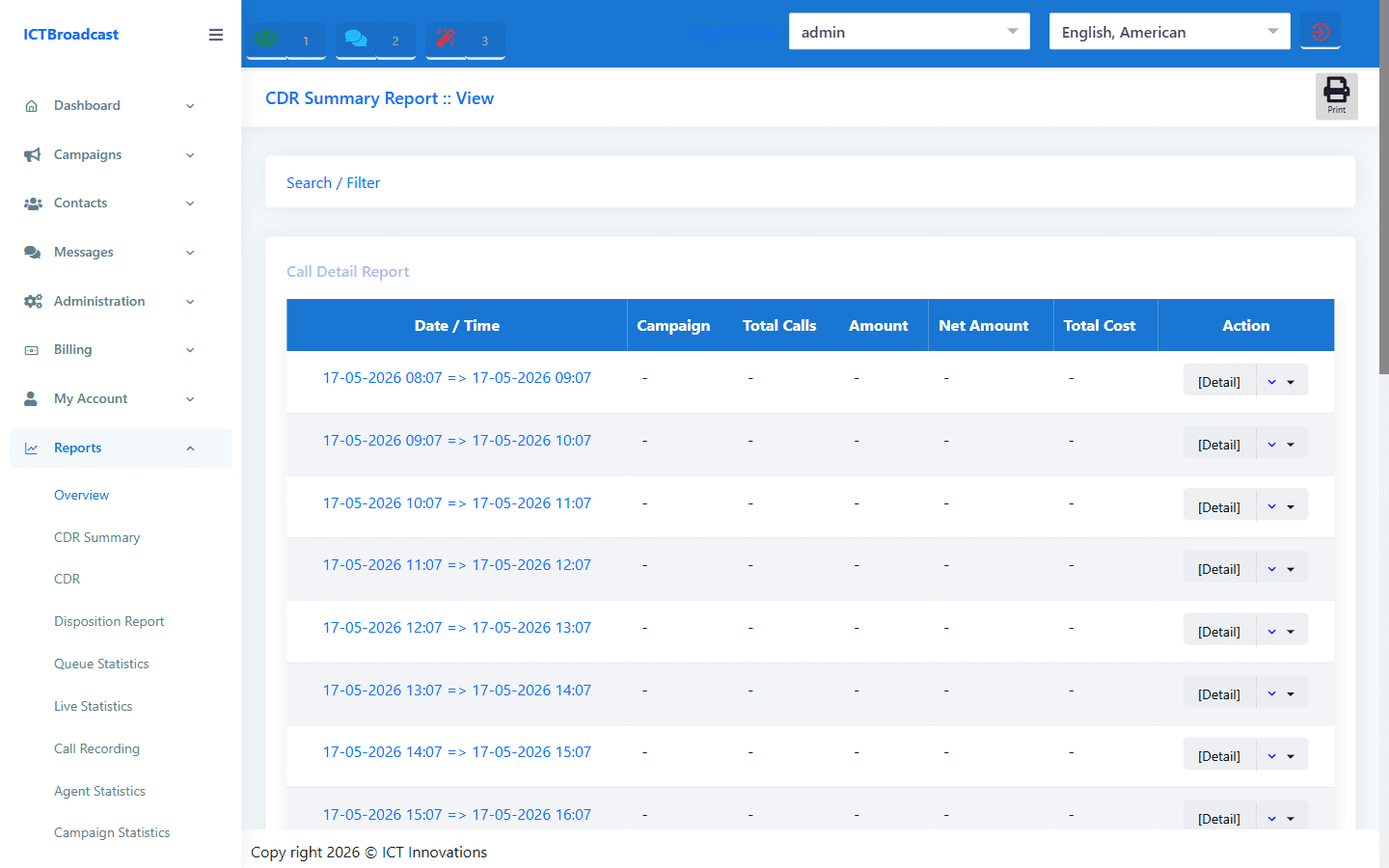
The CDR Summary aggregates Call Detail Records by campaign, showing total attempts, answered calls, average handle time, and answer rate. Both Admin and User roles can access these reports.
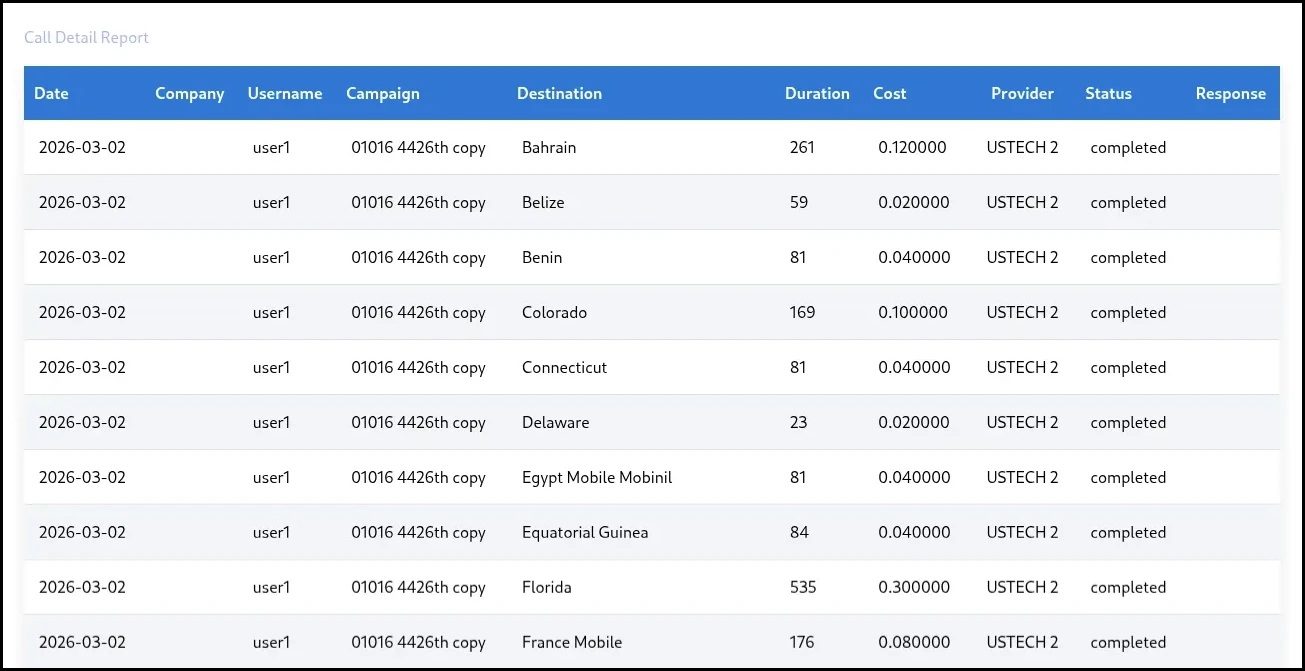
Full CDR — Call Detail Records
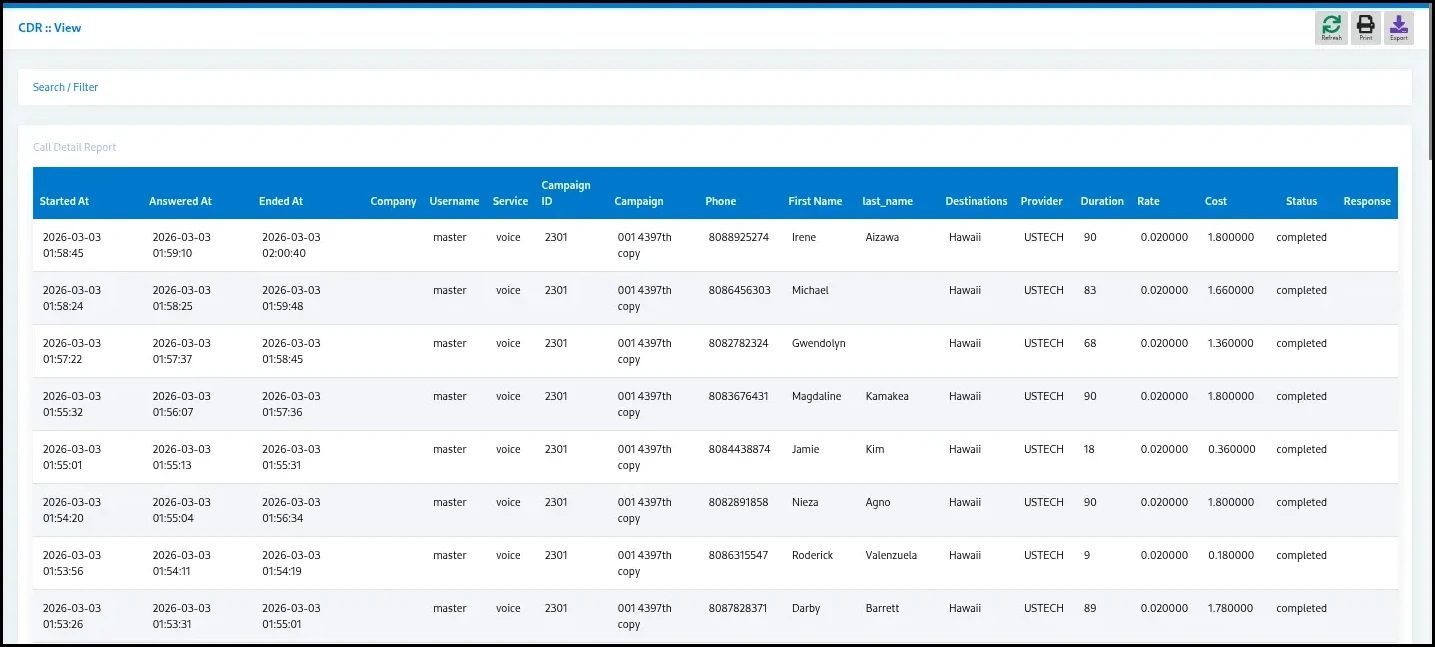
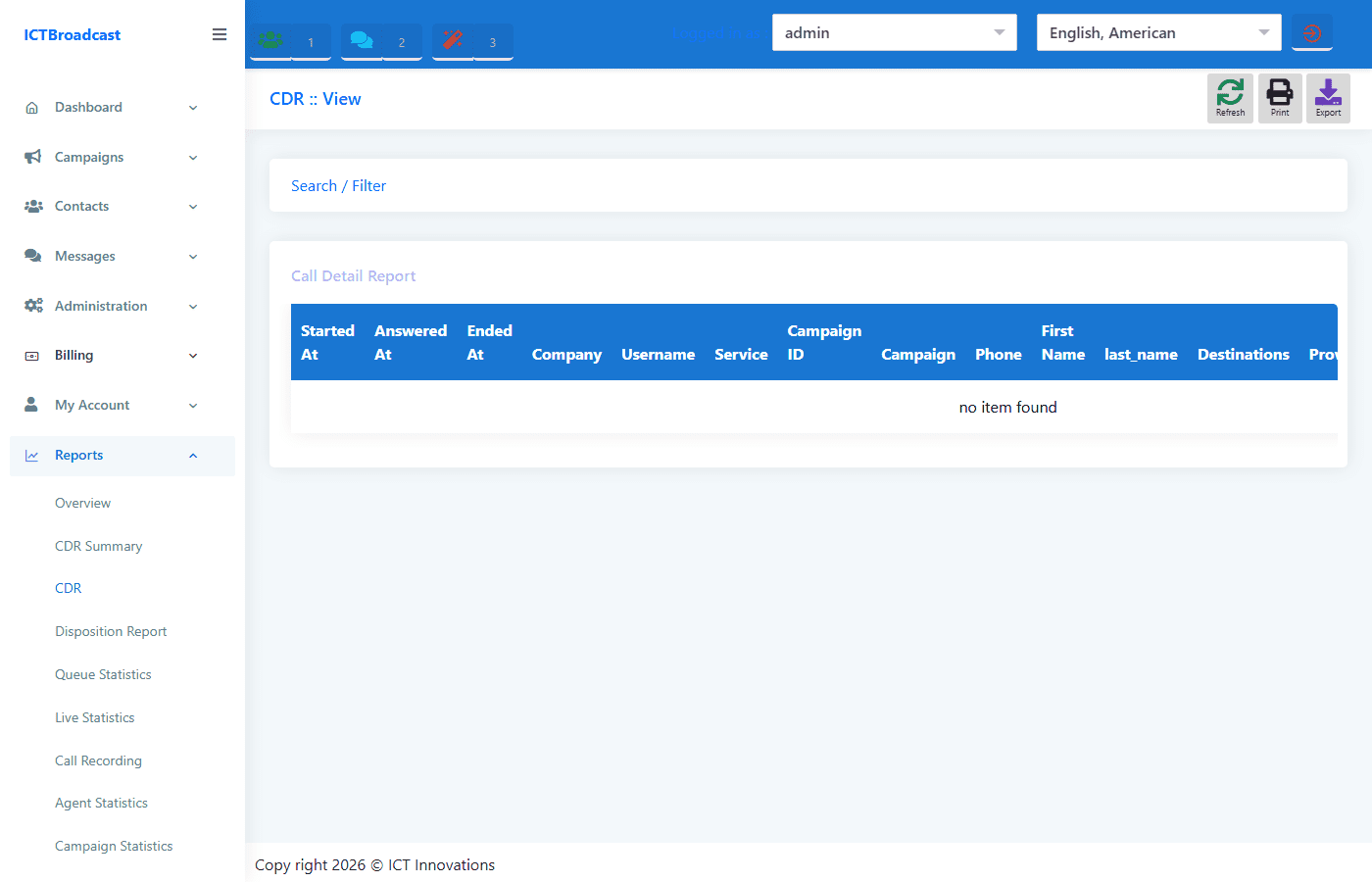
The CDR report shows every individual call with full detail: date, time, campaign, contact, dialed number, call duration, call status, disposition, and recording link. Filterable by date range, campaign, agent, and status. Exportable to CSV for billing reconciliation or compliance auditing.
ICTBroadcast supports per-second billing metering, so the CDR includes billable duration per call — useful for service providers who need to reconcile carrier charges against tenant usage.
Campaign Statistics
The Campaign Statistics report breaks down performance per campaign: total calls, handled calls, abandoned calls, average handle time, average queue wait time, and answer rate. It distinguishes between Inbound, Predictive, Power, Manual, and Broadcast campaign types so you can compare performance across dialing modes.
A separate campaign statistics chart on the dashboard visualises the same data graphically — useful for at-a-glance monitoring during an active campaign day.
Disposition Statistics
The Disposition Statistics report is the most detailed workforce analytics report in ICTBroadcast. Its columns include:
- Date / Time
- Campaign
- Agent
- Handled calls
- Handle time
- Talk time
- Disposition outcome
- Scheduled callbacks
- Sales calls
- Average Break Time per agent
- Break Reasons (Away, Lunch, Meeting)
This report answers the question “where is each agent spending their time?” and is the primary tool for adherence monitoring and performance-based compensation.
Agent Statistics & Live Statistics
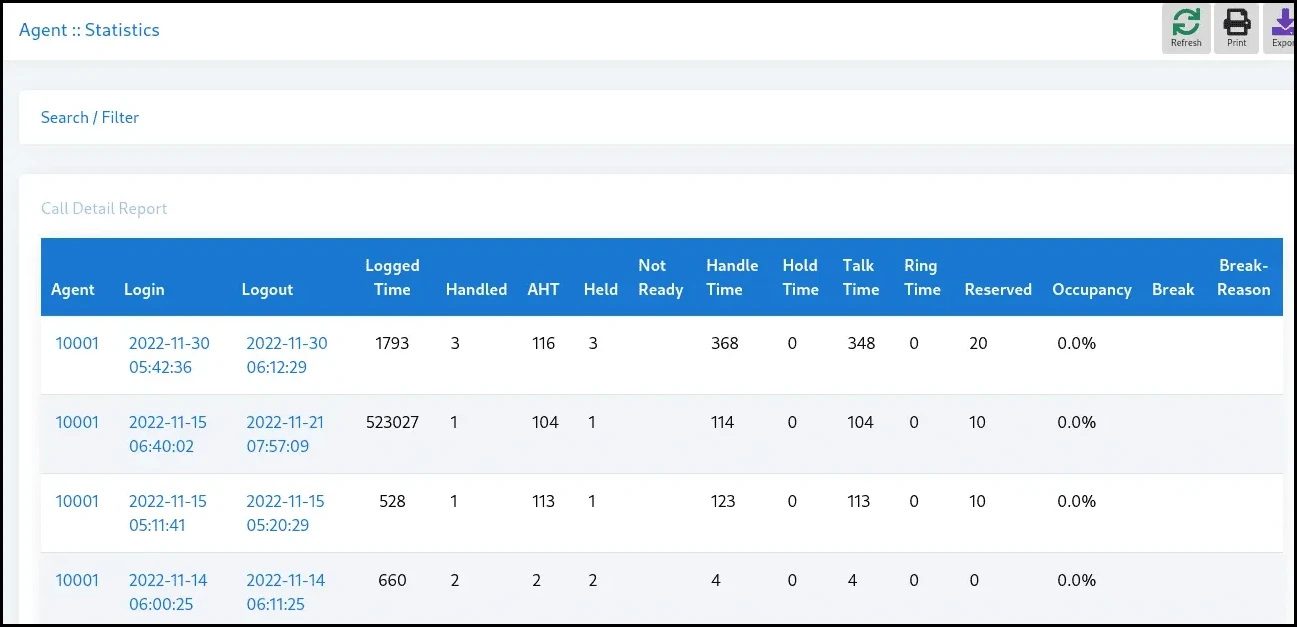
The Agent Statistics report (agentlog.php) shows historical per-agent performance: login sessions, total talk time, total calls handled, average handle time, and disposition breakdown across any date range.
The Live Statistics report shows the current state of every agent right now: whether they are Ready, Not Ready, on a break, or in a call, plus their Login Age (how long they have been logged in this session). Supervisors can click Force Logout next to any agent to end their session remotely without a phone call.
Queue Statistics
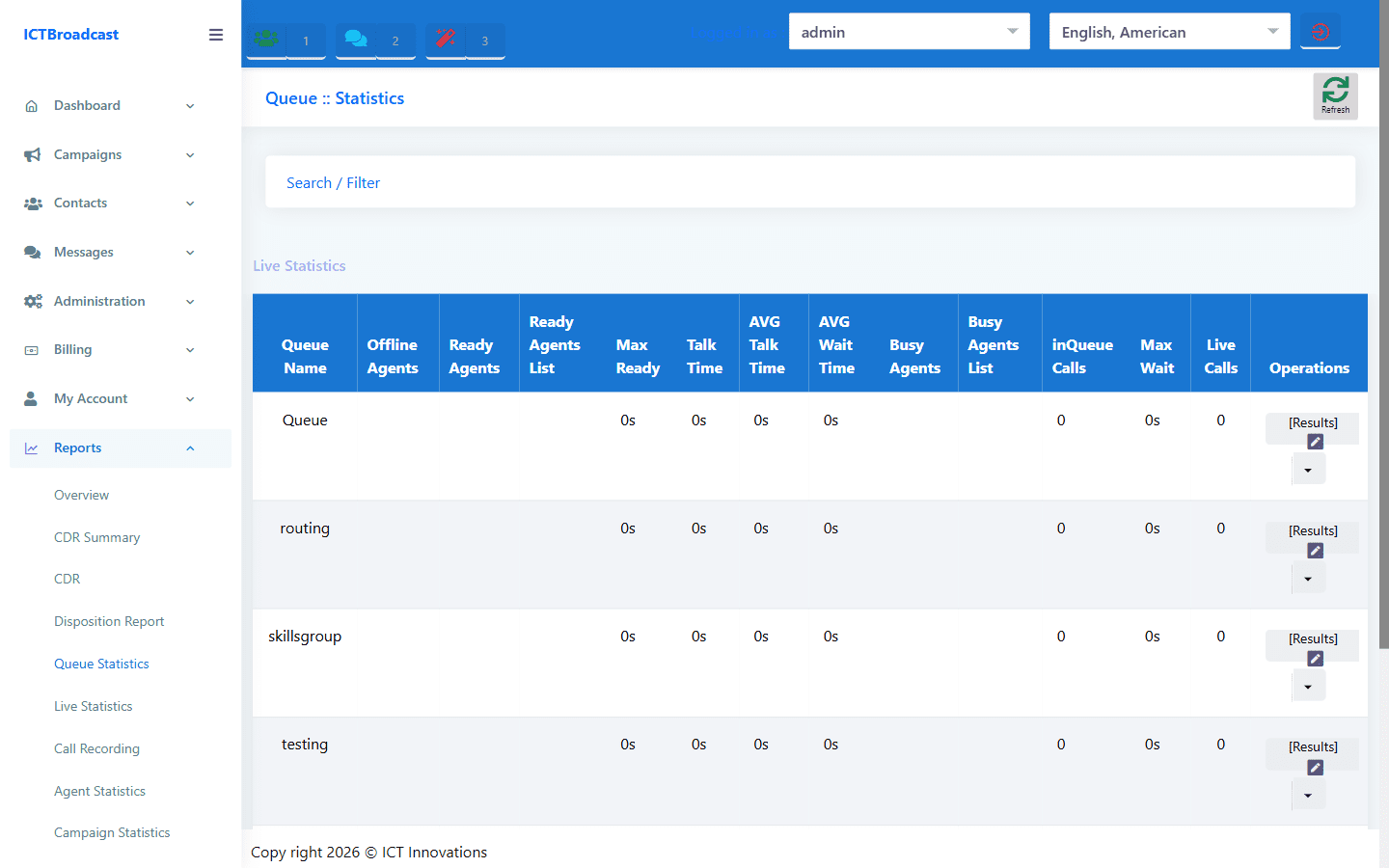
The Queue Statistics report shows live and historical inbound queue metrics: calls waiting, longest wait time, average wait time, abandoned calls, and service level (percentage of calls answered within a target time). This is the primary report for measuring inbound call center SLA compliance.
Use it alongside the Live Statistics report to understand whether queue build-up is caused by insufficient staffing, long handle times, or a spike in call volume.
Call Recording Report
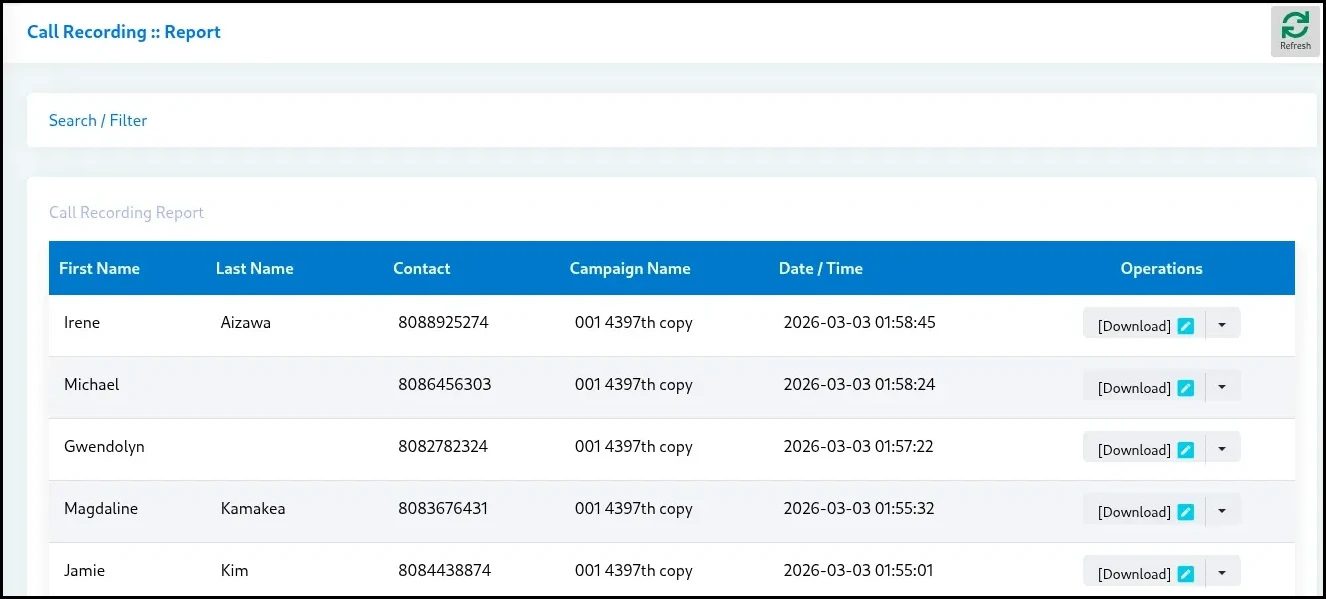
The Call Recording report lists every recorded call with a playback link, duration, agent, campaign, contact, and date. Recordings are stored on the ICTBroadcast server and accessible to Admin and User roles.
Use this report for quality assurance, compliance monitoring, dispute resolution, and agent coaching. Recordings can be triggered at the campaign level (record all calls) or selectively from within an IVR flow using the Call Record node.
Disposition Report
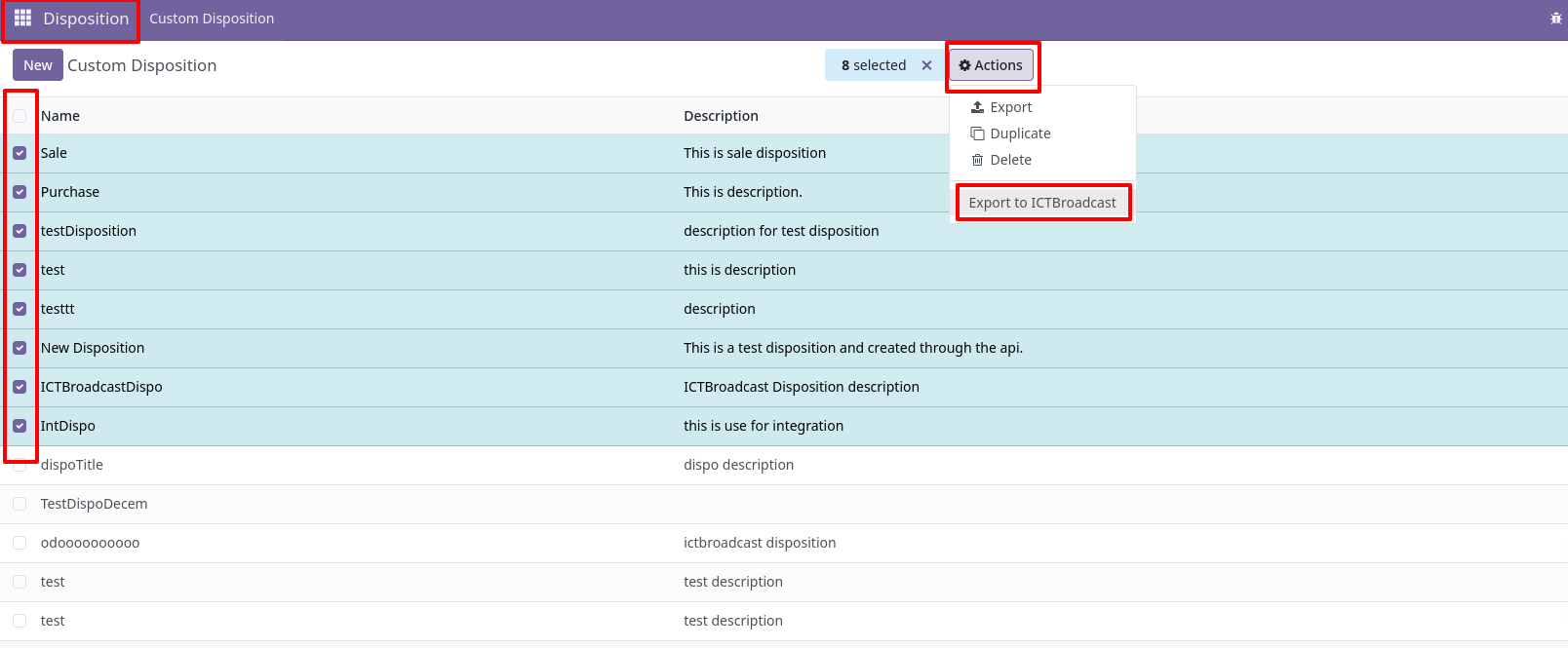
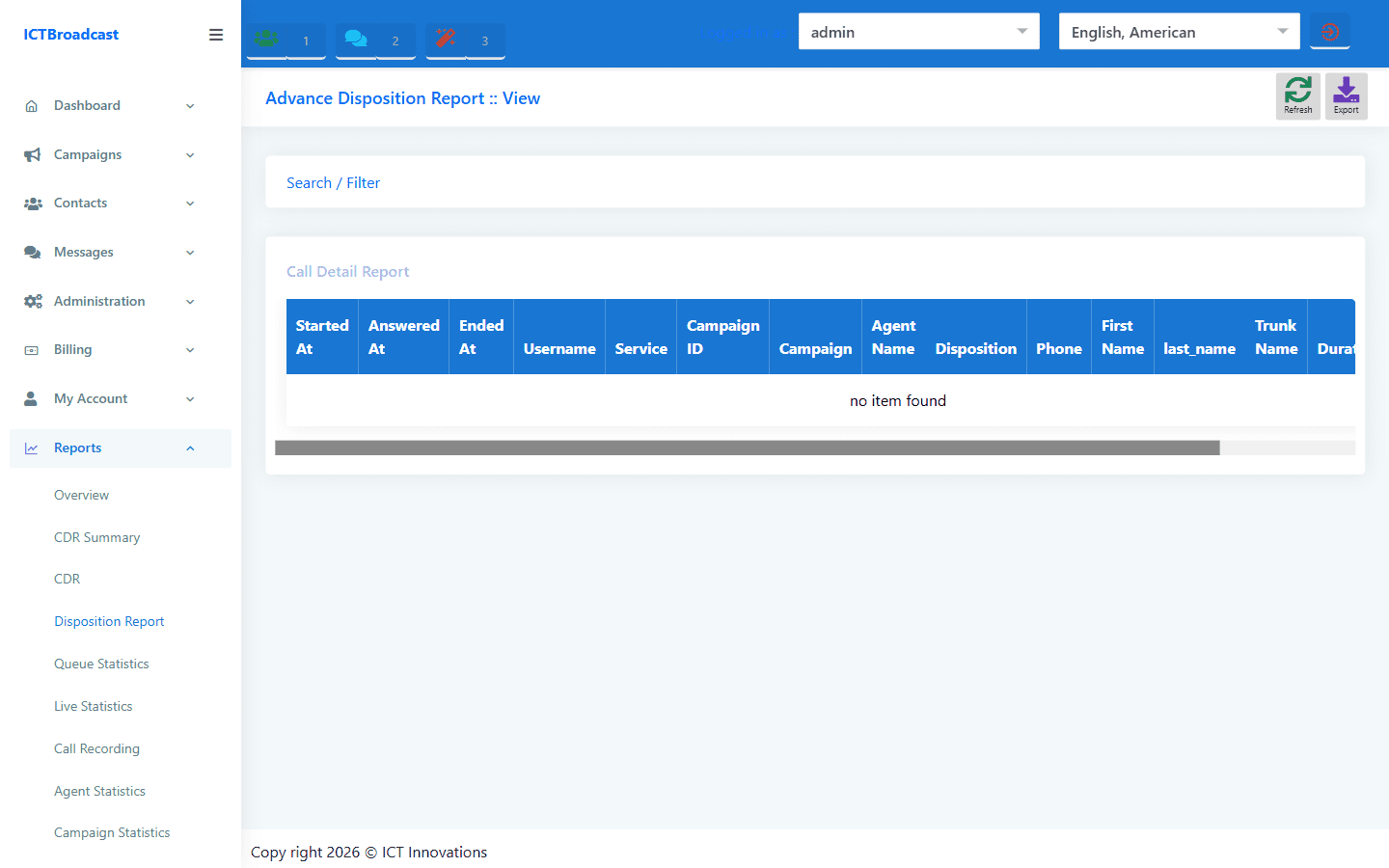
The Disposition Report (detailreport.php) shows call outcomes per disposition category per agent, with date, campaign, talk time, and comments. Useful for tracking sales pipeline by disposition type — for example, how many “Interested” dispositions each agent filed this week.
Combine this with the Disposition Statistics report for a complete picture of both outcomes (what dispositions were filed) and agent behaviour (break time, handle time, and schedule adherence).
Report Builder — Custom CDR Queries
The Report Builder (custom_report.php) lets Admin and User roles build custom Call Detail Record queries from scratch. Choose which fields to include in the output, apply filters on date, campaign, agent, disposition, and call status, and export the result to CSV.
This is the tool to use when the standard reports don’t show the exact combination of dimensions you need — for example, calls per agent per campaign per disposition in a specific date range. Build the query once, save it, and run it on demand.
Frequently Asked Questions
Which reports can User-level accounts access?
All reports except those marked Admin-only are accessible to User (tenant/client) accounts. Users see data scoped to their own campaigns and agents only. Admin accounts see platform-wide data.
Can reports be exported?
Yes. All tabular reports can be exported to CSV. The CDR, CDR Summary, Agent Statistics, and Disposition Statistics reports all include an export button.
How long are call recordings retained?
Recording retention is controlled by the server’s storage capacity and your backup policy. ICTBroadcast does not enforce a retention limit — configure local and FTP backup schedules under Administration → Backup to manage storage.
Can I schedule a report to run automatically?
The Report Builder generates on-demand queries. For automated reporting, use the GSC API and GA4 integrations to track organic performance, or connect via the REST API to pull CDR data into your BI platform on a schedule.
What is the difference between Campaign Statistics and Disposition Statistics?
Campaign Statistics focuses on call volume and timing metrics (handle time, abandon rate, queue wait). Disposition Statistics focuses on agent behaviour and outcomes (what dispositions were filed, break time, break reasons, scheduled callbacks). Use both together for a complete picture.